
Listen Flow
Listen Flow · for iPhone and Mac

Read with your ears.

Listen Flow reads out the text in front of you. An answer from Claude, an email, an article, a newspaper page. One gesture, a natural voice, and your eyes can leave the screen.

A man standing in a pale studio with his eyes closed, one earbud in, listening Follow one text from screen to ear

For the moments your eyes belong somewhere else.

Walking through townHead up, phone in your pocket. The email reads itself.
Cycling homeThe long answer from Claude, phone in your pocket. Set it going before you ride.
Hands fullCooking while the article plays. Nothing to scroll.
Behind the wheelEyes on the road. The phone stays dark on the dashboard.
Tap twice Tap three times ⌥L · ⌥⇧L · ⌃⌥L 123 Clean Write out Language Paragraphs https://www.anthropic.com/… → anthropic.com Sarah · ElevenLabs Apple voice, offline next 15 s fetched Locked AirPods Car 0.8× to 2×, same pitch Paragraph 4 · 0:42 replay, free Screen Gesture Recognise Clean up Voice Listen Bookmark
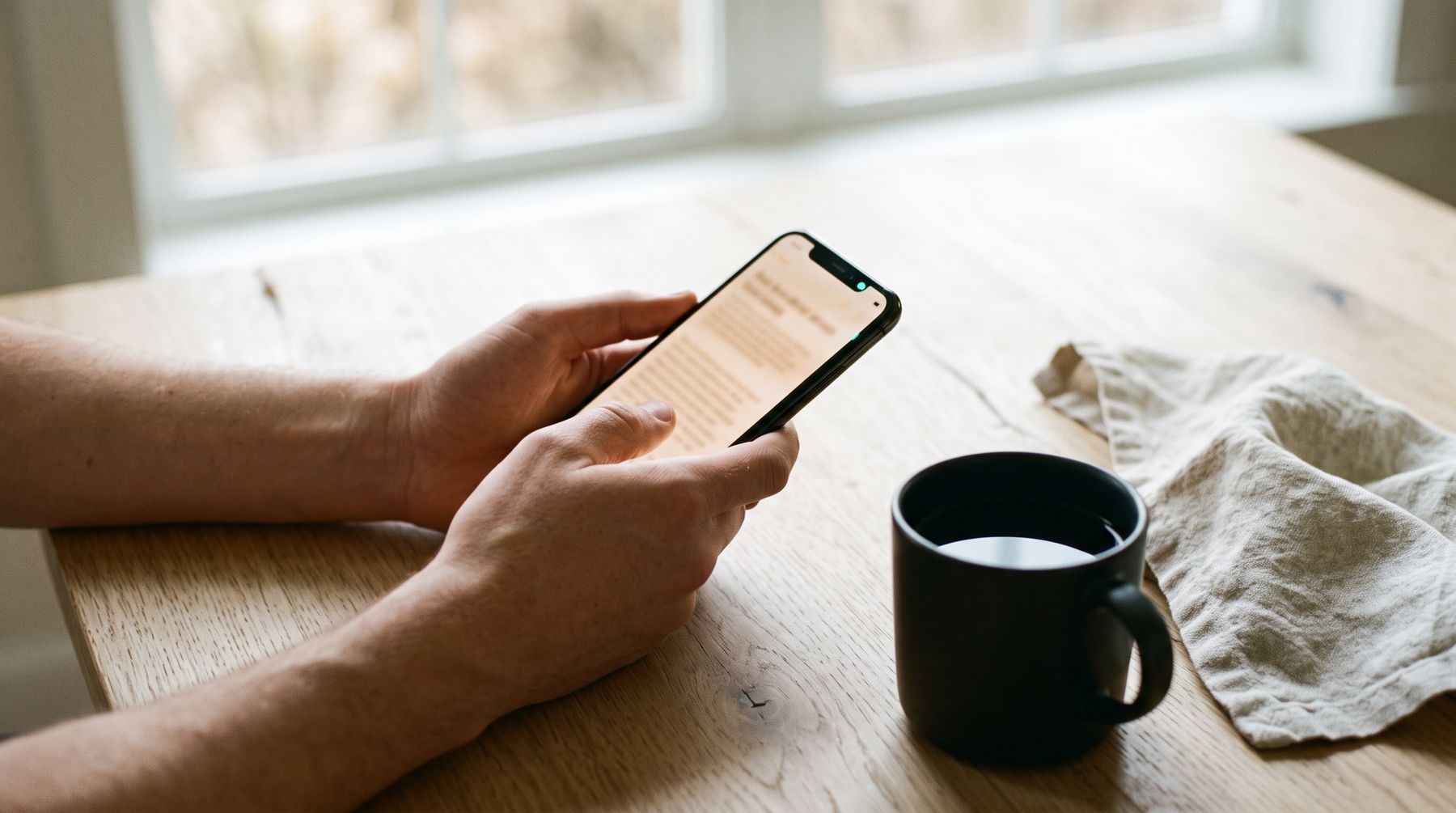
Hands holding a phone full of text above a kitchen table with coffee 01 · Screen

It starts on a screen.

An answer from Claude. An email. An article. A newspaper page. Long text on an iPhone or a Mac, at a moment when your eyes are needed somewhere else.
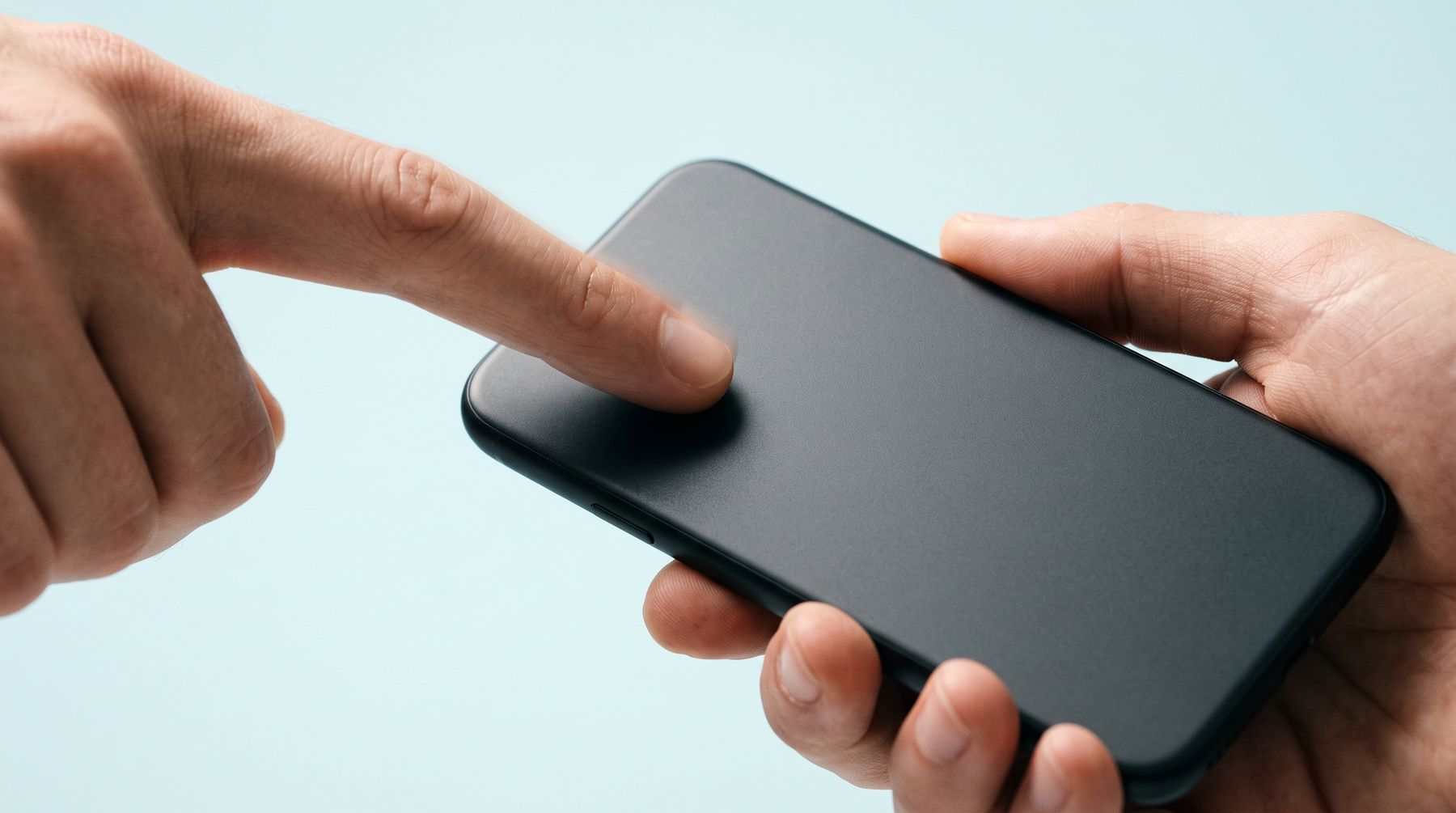
A finger tapping the back of a phone against a pale cyan backdrop 02 · Gesture

One gesture.

No app to open first. Start from wherever the text is.
Tap twiceOn the back of your iPhone. Reads what you copied.
Tap three timesReads your screen from the top. Tap a line to start there.
⌥LOn a Mac: from the line under your pointer to the end of that post or article. On a page with columns it stays in your column.
⌥⇧L · ⌃⌥LThe clipboard, or any area of the screen you drag a box over.
SiriOr the Action button of your iPhone.
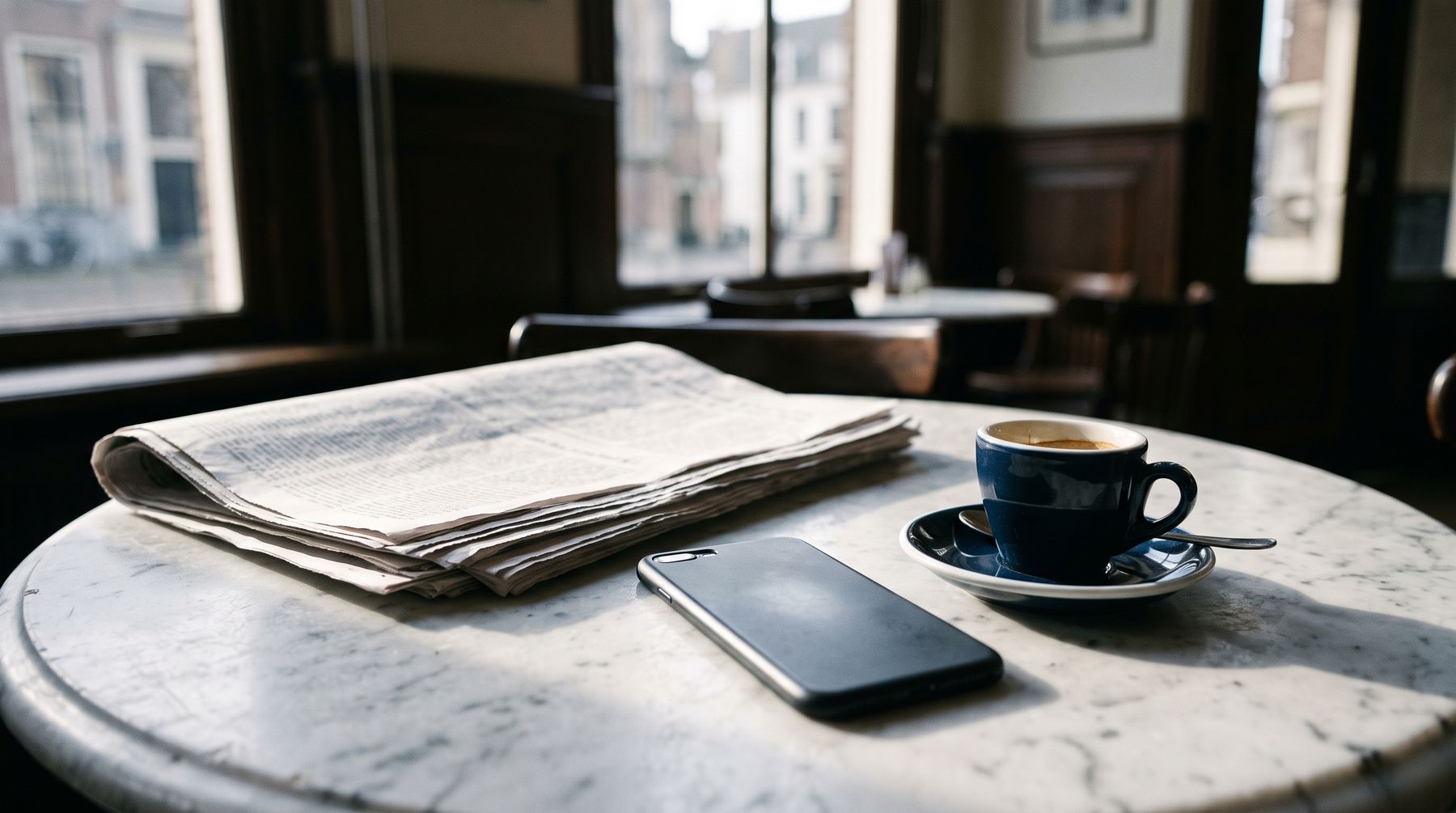
A folded newspaper and a phone on a marble cafe table 03 · Recognise

Reading the page in the right order.

Text on your screen is recognised on the device itself. On a page with columns, Listen Flow finds the main article and reads it in order: headline, intro, then the columns from left to right. A sentence that runs across a column stays one sentence.

Page headers, tables, scores and captions are skipped. They stay grey on the screen, and a tap still reads them.

Newspaper mode is new and tested on a handful of pages. Screenshots are never stored; only the recognised text remains.

04 · Clean up

Rewritten for the ear.

Before anything reaches the voice, the text is made to sound right out loud. No asterisks, no code, no web addresses spelled out.

## Shoot day **Budget:** see the [drone quote](https://example.com/q) [1] Source: https://www.anthropic.com/news
Shoot day. Budget: see the drone quote. Source: anthropic.com.

Each paragraph is recognised as one of seven languages and read with the right pronunciation. In Dutch, amounts, dates and times are written out as well. The voice also hears the end of the paragraph before and the start of the next, so the intonation runs on.

A woman by a window, earbuds in, listening with a faint smile 05 · Voice

The line becomes sound.

Sarah from ElevenLabs, or any voice in your own account. The audio streams in, so reading starts while the rest is still arriving.

0.8 sto the first sound on iPhone
0.3 son a Mac, measured

ElevenLabs charges per character, so Listen Flow only fetches what you will hear in the next fifteen seconds or so, and nothing while paused. Offline or out of credit, the free Apple voice takes over and the app tells you why.

A man walking his dog through the dunes, earbuds in, phone in his pocket 06 · Listen

Eyes off the screen.

Lock your phone and keep listening. Pause from the lock screen or the Dynamic Island. Press your AirPods twice for the next paragraph. Listen in the car, and when you disconnect, Listen Flow pauses instead of moving to the speaker.

Tap any paragraph to start there. Change the speed from 0.8× to 2× without the voice going up.

A woman resting on a sofa under a blanket, eyes closed, listening 07 · Bookmark

Right where you left off.

Listen Flow remembers each text to the paragraph and the second, also after you close the app. The pink dot at the end of the line is that bookmark.

Texts stay for 30 days, or longer with a star. Listening again comes from storage on your device and costs nothing.

A director leaning back from his laptop with his eyes closed, listening

Not speaking to type. Listening instead of reading.

The real thing.

Example screens with an English text. The app speaks Dutch, English, French, Spanish, German, Italian and Portuguese.

Listen Flow
Clipboard · 4 paragraphs
Good morning Klaas. Here is the overview for the shoot day on Thursday 23 October.
We start at 8:30 on set in Haarlem. The first shot is the interview with the director, followed by footage of the workshop.
The budget for the extra drone shots is €1,250. That fits the estimate, as long as we finish the exteriors before noon.
Finally, bring the spare batteries: it is a long day. Have a good shoot!
0:01Charlie · ElevenLabs0:24
1×
Reading, first paragraph
Listen Flow
Clipboard · 4 paragraphs
Good morning Klaas. Here is the overview for the shoot day on Thursday 23 October.
We start at 8:30 on set in Haarlem. The first shot is the interview with the director, followed by footage of the workshop.
The budget for the extra drone shots is €1,250. That fits the estimate, as long as we finish the exteriors before noon.
Finally, bring the spare batteries: it is a long day. Have a good shoot!
0:14Charlie · ElevenLabs0:24
1×
Further along, third paragraph

Settings

ElevenLabsApple (free)
Main voiceSarah
Voice for EnglishCharlie
ModelFast
Speed1×

Listening faster costs nothing extra: the pitch stays the same.

Stored audio12.8 MB

Playing the same text again costs nothing thanks to this storage. Above 500 MB the app tidies up by itself.

Settings

Nothing in between.

No server

Text only goes to ElevenLabs to become speech, through your own account and only after you have given permission. Not at all with the Apple voice.

Your key stays put

In the keychain of your device. Never in code, never in logs.

Nothing logged

What you listen to is never logged. Screenshots are never stored.

No subscription

You use your own ElevenLabs account. The Apple voice is always free.