
 01 · Screen
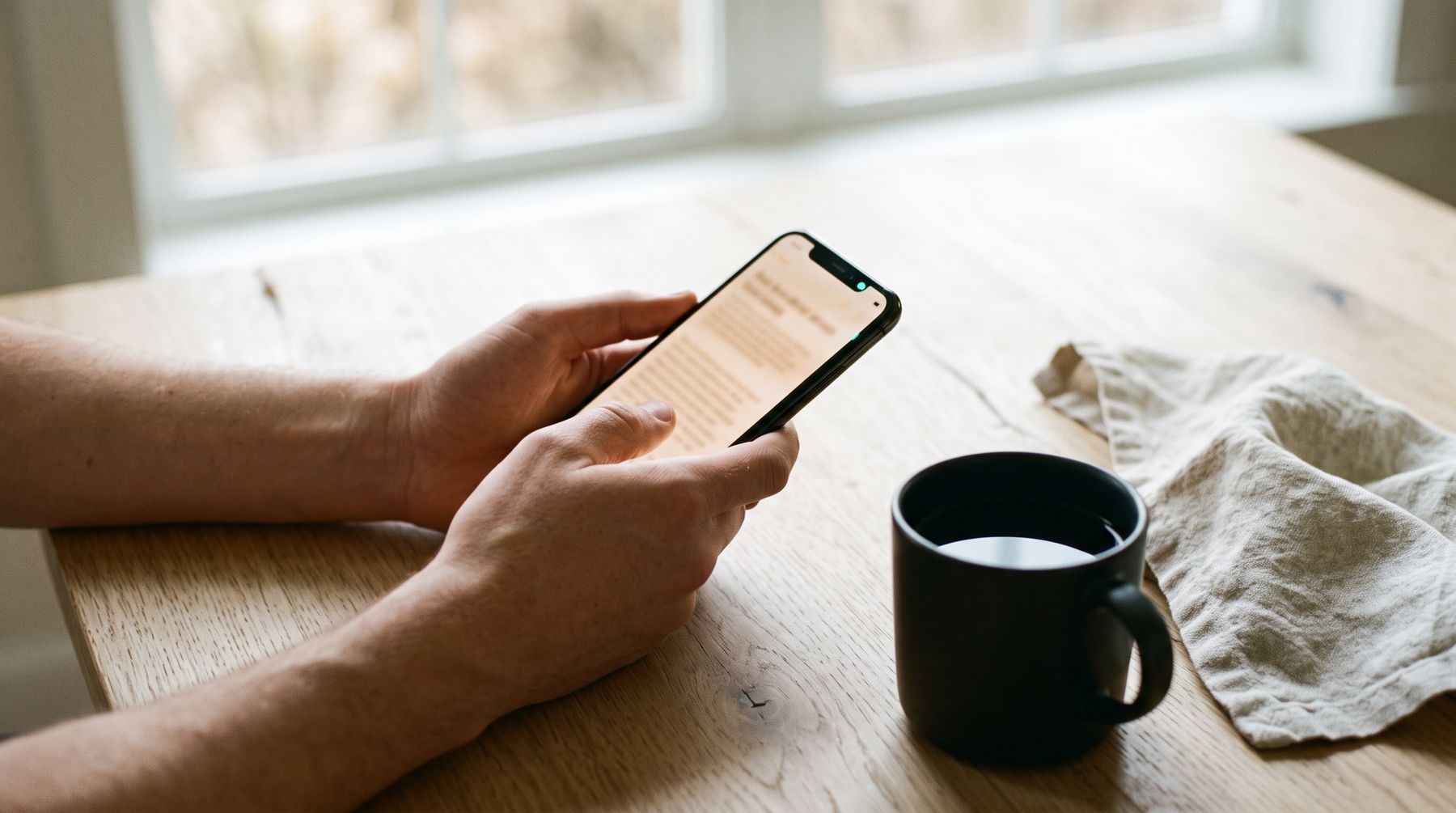
It starts on a screen.
An answer from Claude. An email. An article. A newspaper page. Long text on an iPhone or a Mac, at a moment when your eyes are needed somewhere else.
 02 · Gesture
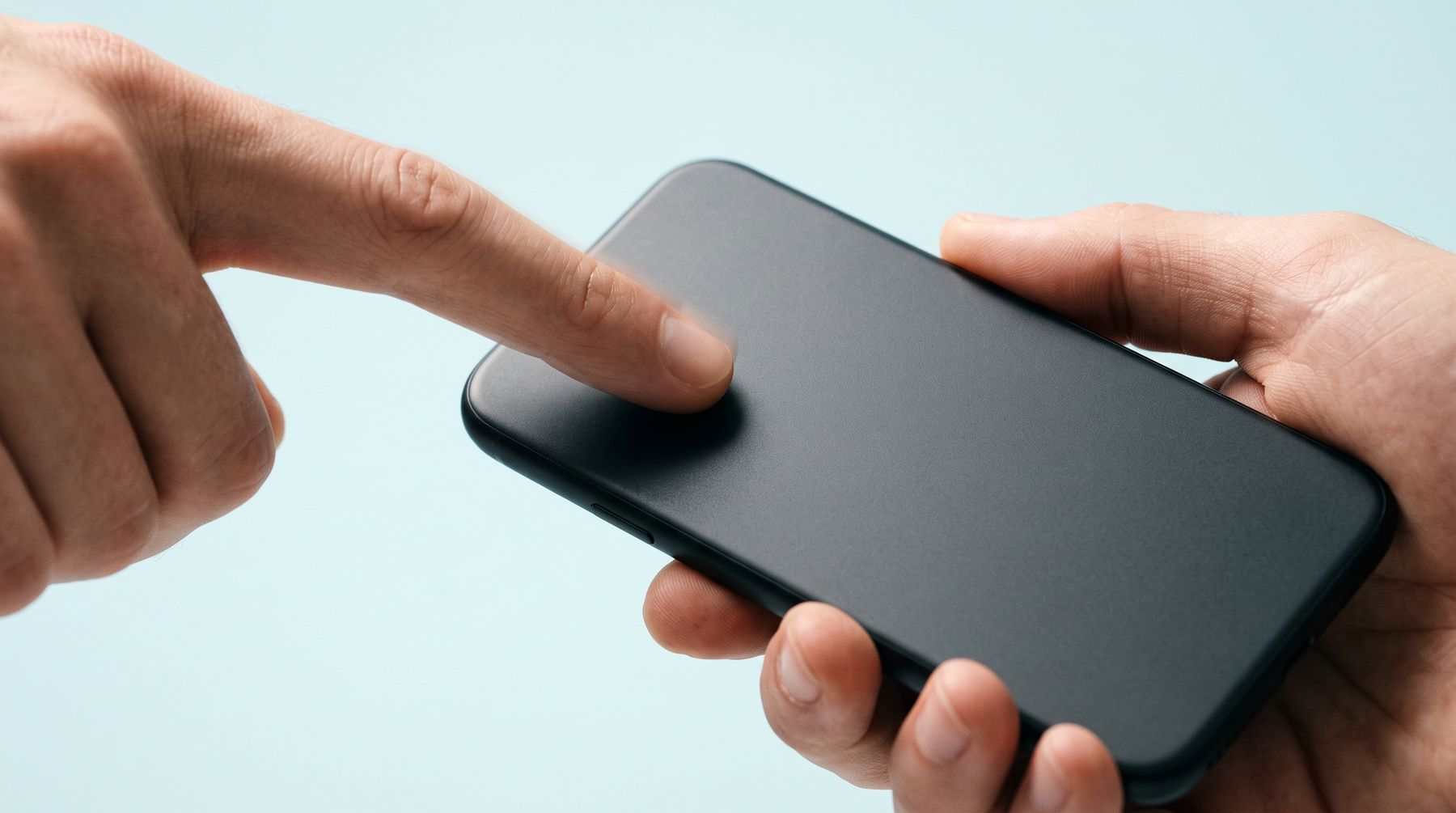
One gesture.
No app to open first. Start from wherever the text is.
 03 · Recognise
Reading the page in the right order.
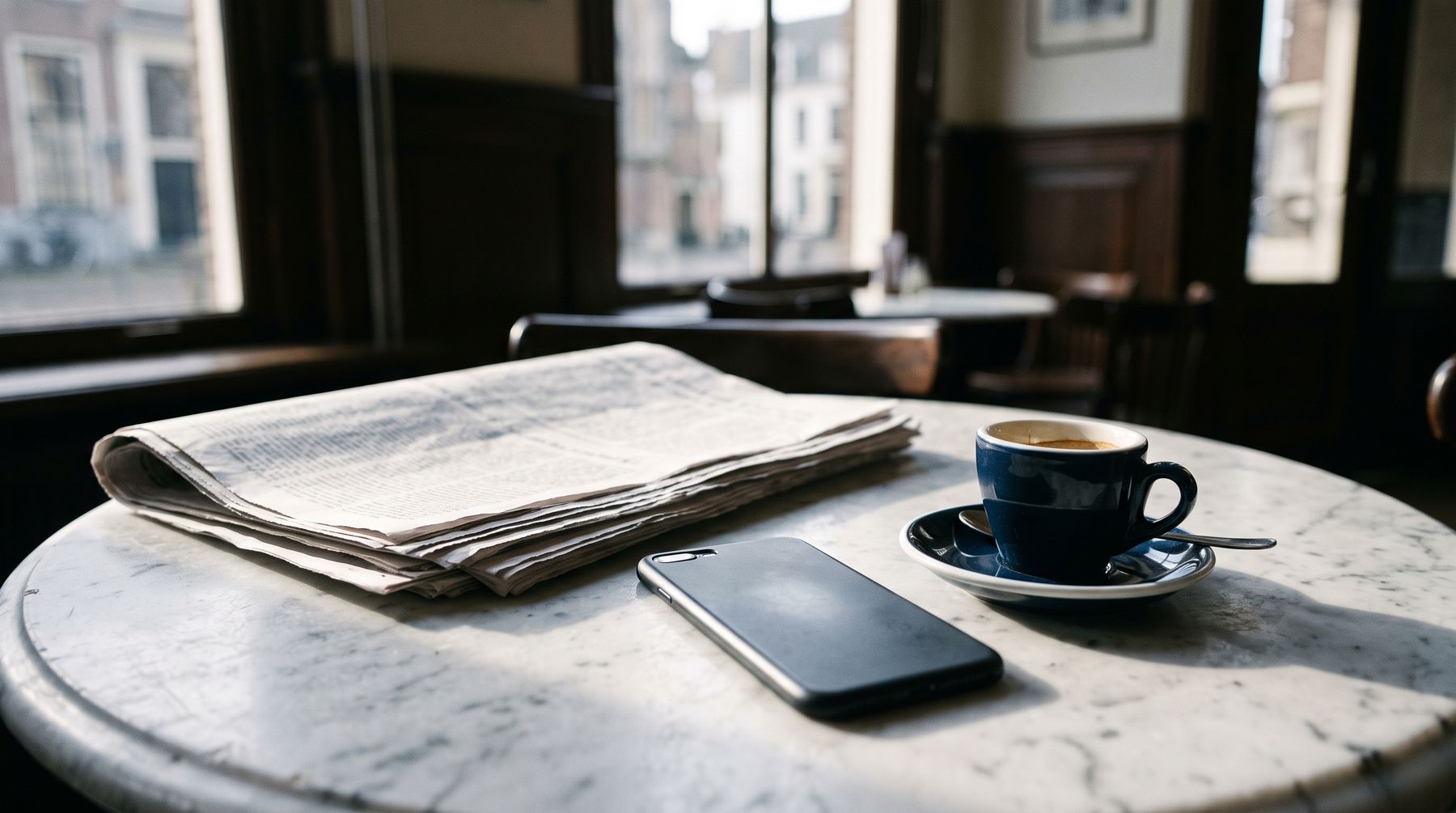
Text on your screen is recognised on the device itself. On a page with columns, Listen Flow finds the main article and reads it in order: headline, intro, then the columns from left to right. A sentence that runs across a column stays one sentence.
Page headers, tables, scores and captions are skipped. They stay grey on the screen, and a tap still reads them.
Newspaper mode is new and tested on a handful of pages. Screenshots are never stored; only the recognised text remains.
Rewritten for the ear.
Before anything reaches the voice, the text is made to sound right out loud. No asterisks, no code, no web addresses spelled out.
Each paragraph is recognised as one of seven languages and read with the right pronunciation. In Dutch, amounts, dates and times are written out as well. The voice also hears the end of the paragraph before and the start of the next, so the intonation runs on.
 05 · Voice
The line becomes sound.
Sarah from ElevenLabs, or any voice in your own account. The audio streams in, so reading starts while the rest is still arriving.
ElevenLabs charges per character, so Listen Flow only fetches what you will hear in the next fifteen seconds or so, and nothing while paused. Offline or out of credit, the free Apple voice takes over and the app tells you why.
 06 · Listen
Eyes off the screen.
Lock your phone and keep listening. Pause from the lock screen or the Dynamic Island. Press your AirPods twice for the next paragraph. Listen in the car, and when you disconnect, Listen Flow pauses instead of moving to the speaker.
Tap any paragraph to start there. Change the speed from 0.8× to 2× without the voice going up.
 07 · Bookmark
Right where you left off.
Listen Flow remembers each text to the paragraph and the second, also after you close the app. The pink dot at the end of the line is that bookmark.
Texts stay for 30 days, or longer with a star. Listening again comes from storage on your device and costs nothing.